Video Translate Into 23 Languages — In Your Own Voice

Clone your voice, keep the soundtrack, stay in sync with the edit—translate and dub in one go.

Demo

Demo Videos

YouTube

Upload video

Click or drag video here

MP4 / MOV / WebM · max 500 MB

Source language *
Target language

Global reach

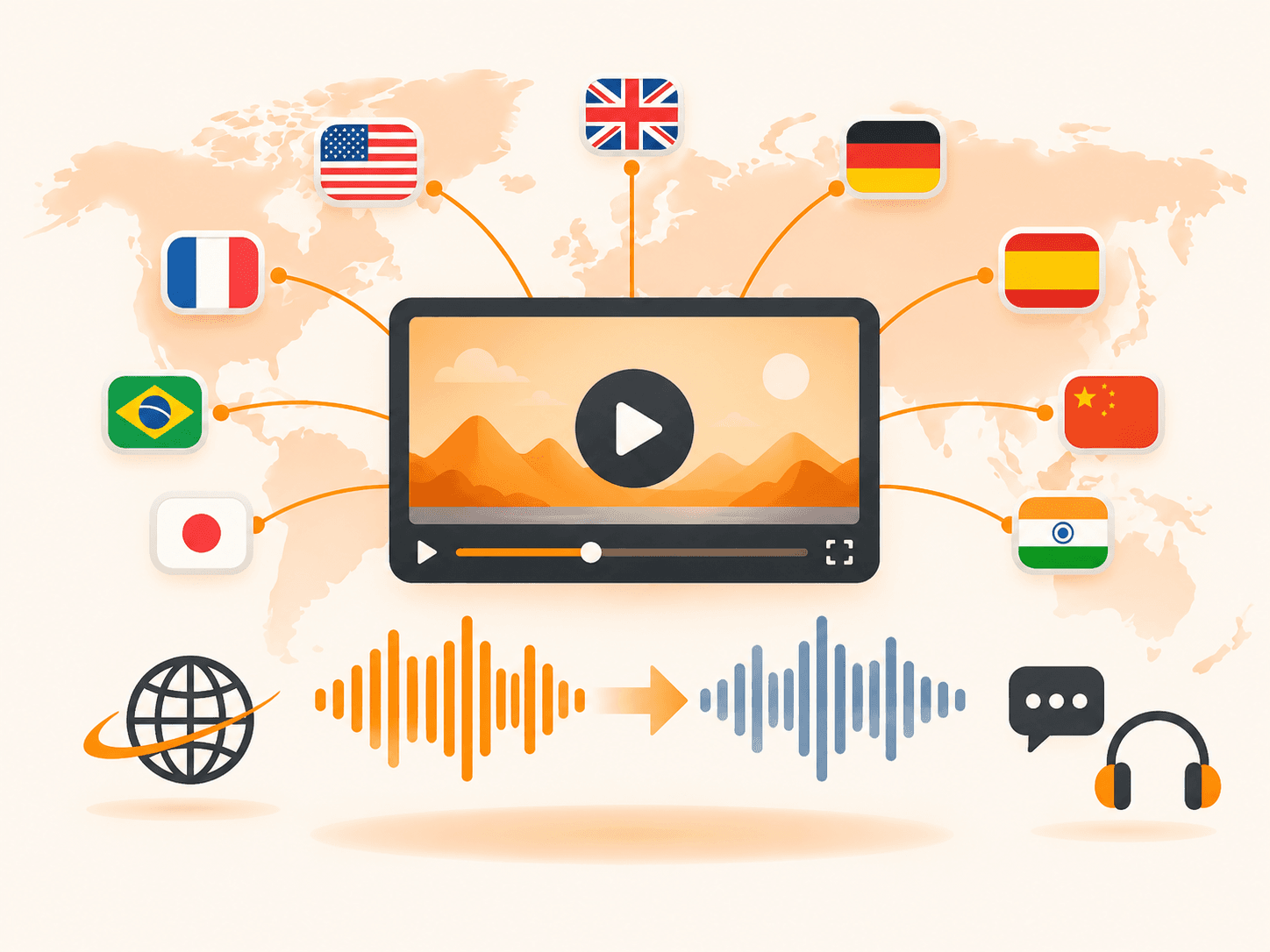
One video, dubbed in 23 languages

You can localize one master file into many spoken languages while keeping your creative intent—pick source and target from the same live language list you see at upload time.

Every language shown in the upload menu is available in production; none of the entries are placeholder “coming soon” labels.

  • Ship the same creative to new markets without re-shooting everywhere
  • YouTube, short-form, courses, and product demos
  • Your voice speaking the target language—not a generic robot narrator
One video, dubbed in 23 languages

Your voice

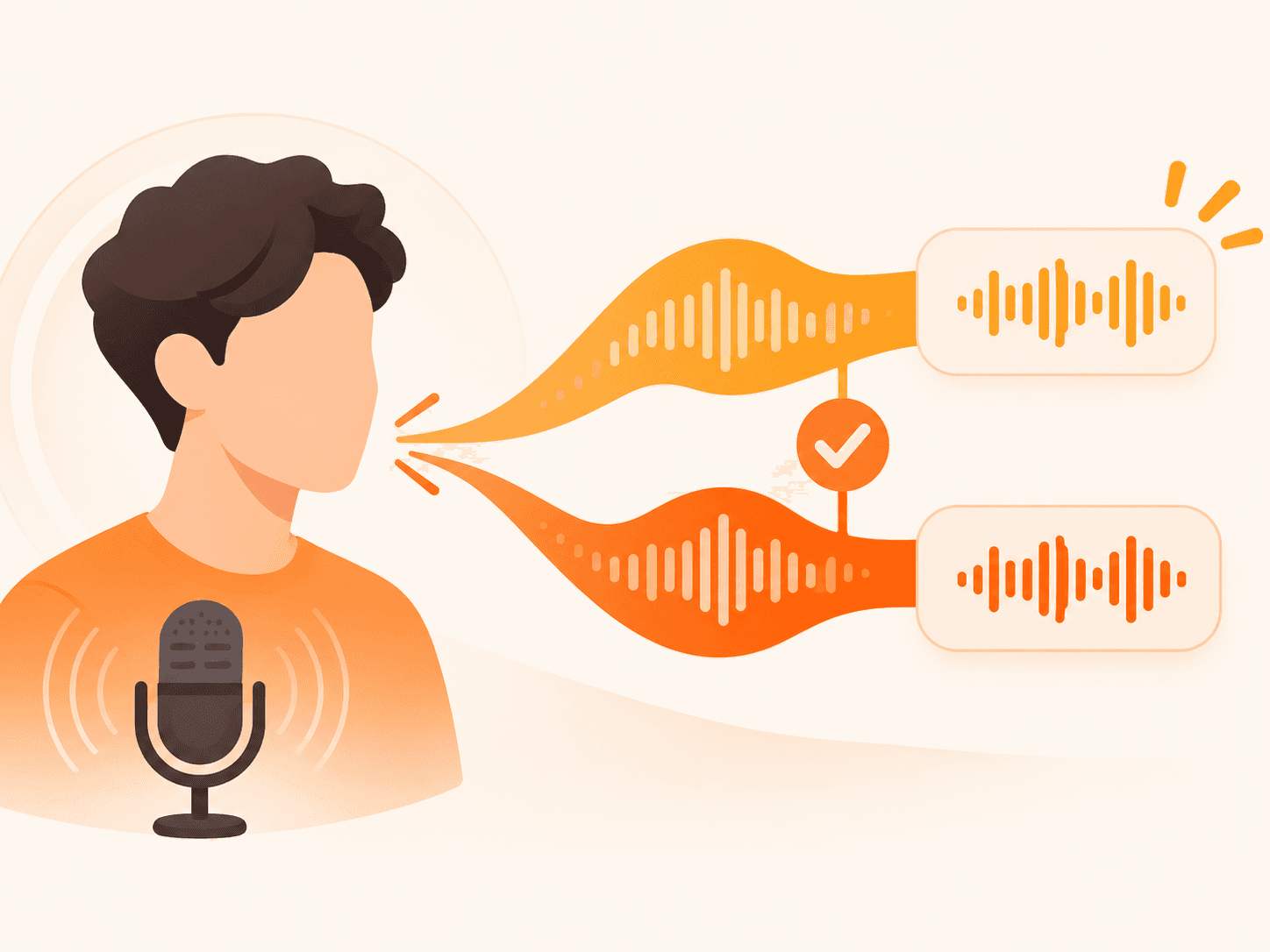
Clone your tone—skip the awkward AI announcer

Voice cloning here means the dubbed track aims to match your timbre and delivery from the source audio—not a one-size-fits-all synthetic narrator.

Voice is taken from your source recording, so you don’t hire a different voice actor for each market; cleaner source audio tends to produce steadier results across the 23 supported languages.

  • Natural delivery—not stiff text-to-speech
  • ASR, translation, and synthesis chained automatically
  • Skip studio re-records and per-market voice hires
Clone your tone—skip the awkward AI announcer

Mix quality

Background music stays in the final mix

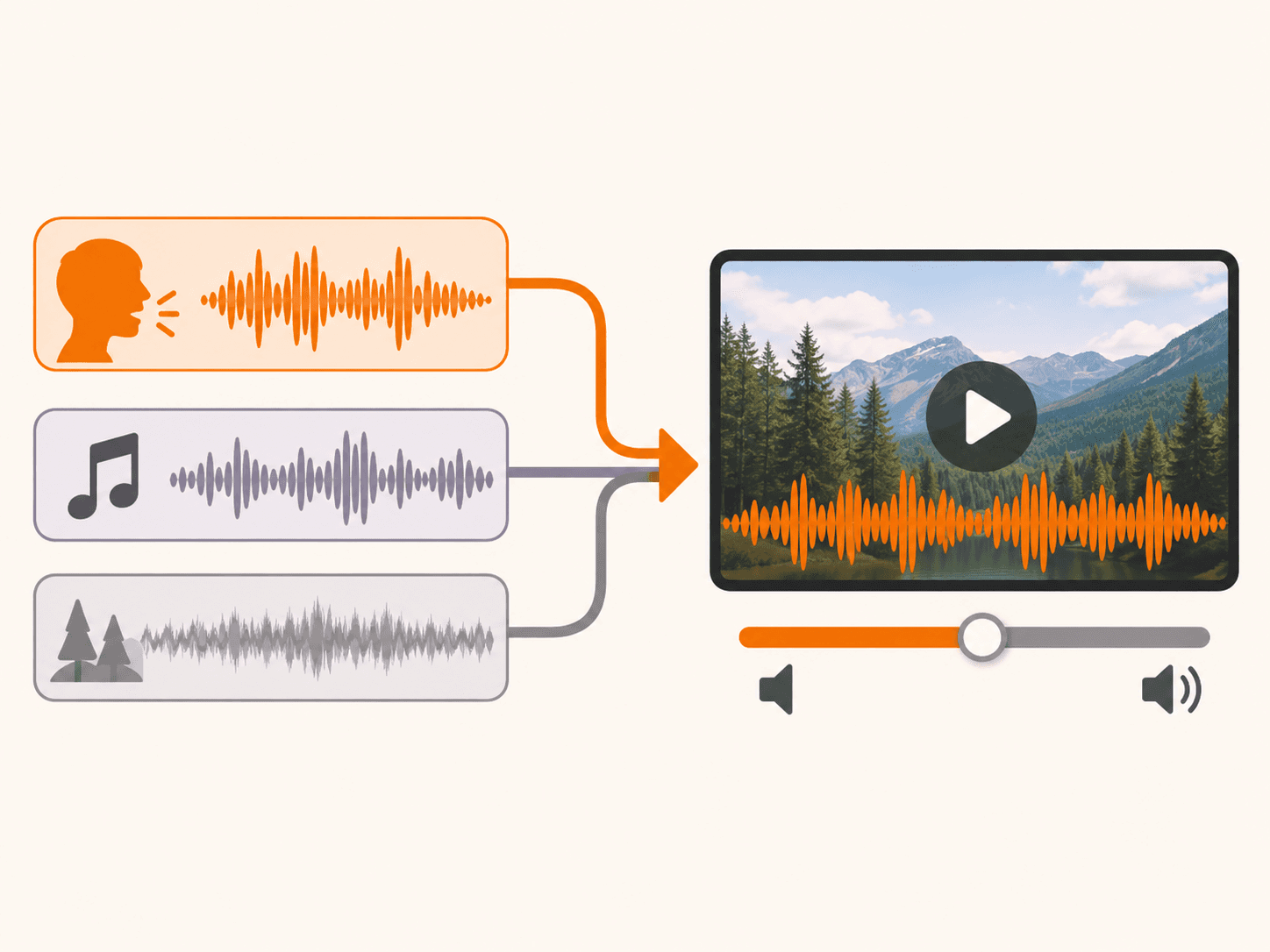
Yes—the pipeline keeps non-speech audio: after vocal replacement, background music and room tone are recombined so the mood of the original mix survives.

After isolating vocals and completing the dub, background music and room tone are mixed back into a finished MP4 you can preview online or download.

  • Keep the mood—BGM and ambience don’t disappear
  • Separation tuned for speech-led content
  • Preview and download a ready MP4 when processing finishes
Background music stays in the final mix

Timing & speed

Locked to the original rhythm—translate and dub in one step

Timing alignment means new speech is placed to follow your cut—so visuals and dubbed audio stay in step without manual timeline work in an editor.

New lines are placed in roughly the same timing slots as the original; upload, pick languages, and get your file without opening an editor to align tracks.

  • Speech length and timing aligned to your edit
  • Accurate translation plus dubbing in one pass—high efficiency
  • MP4, MOV, or WebM up to 500 MB per file
Locked to the original rhythm—translate and dub in one step

Built for how teams actually publish video

Typical fits: YouTube and creator updates, marketing spots, training, and sales demos—anywhere a single presenter-led video should sound native in another language.

Turn explainers, ads, training, and demos into versions people can hear in their language—while it still sounds like you made the original.

  • YouTube & creators

    Tutorials and vlogs dubbed in your voice.

  • Marketing & ads

    One spot for more regions.

  • Training & L&D

    Courses from the same recording, another language.

  • Sales & product demos

    Demos prospects hear without switching audio.

Teams adapt one presenter-led recording for more regions—creator updates, marketing, and training—without reshooting separately for each market.

How to Video Translate a Clip in Three Steps

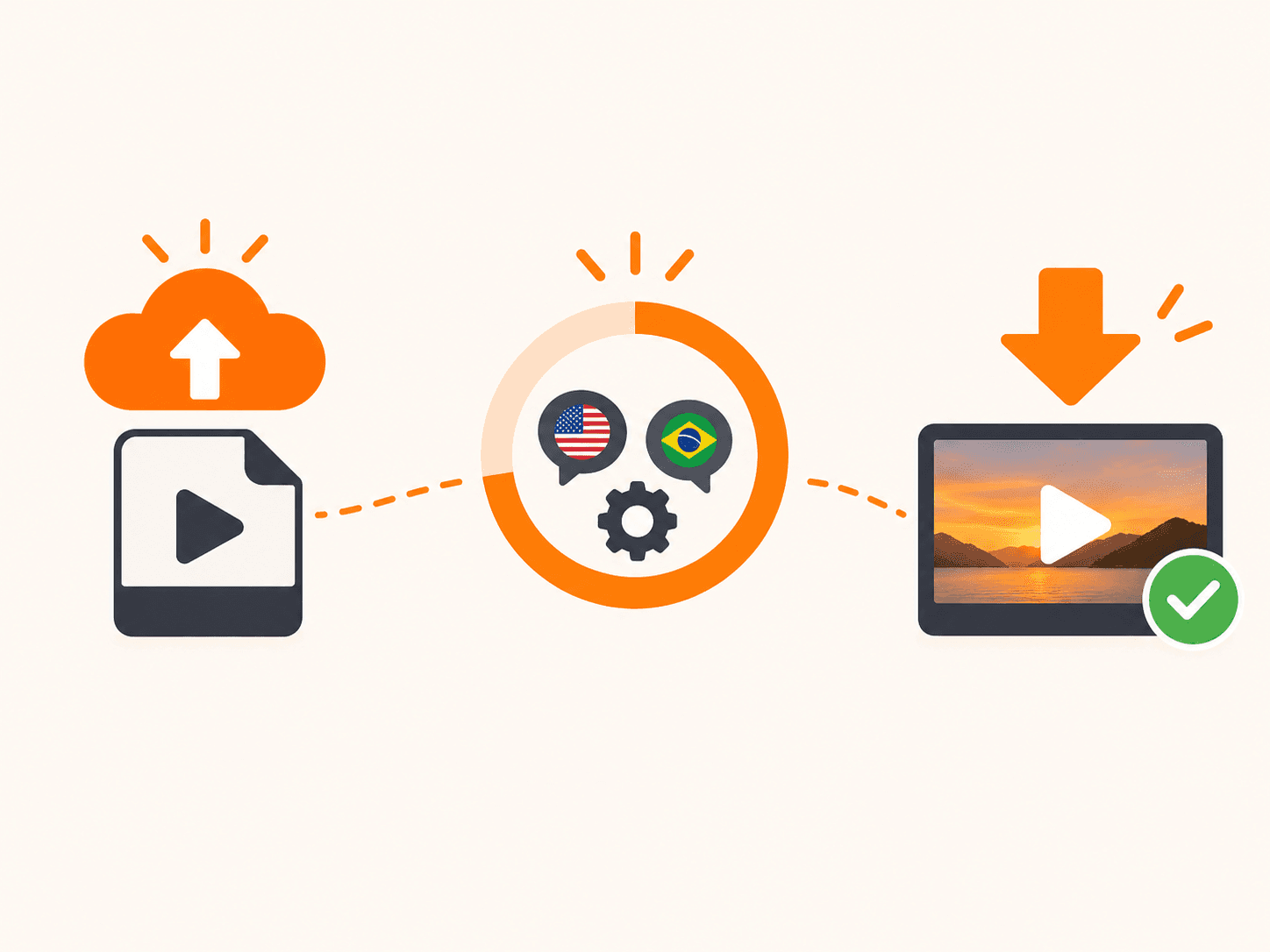
In short: three steps from file to dubbed video—upload, choose source and target languages, then download the dubbed MP4 when processing completes.

  1. 1

    Upload your video

    Pick a file from your device.

  2. 2

    Set source & target language

    Tell us what language is spoken and what listeners should hear—we don’t guess with auto-detect.

  3. 3

    Get your dubbed MP4

    Track progress, then play or download; files also appear in My Assets.

Pricing: Pay by the Second, Not by the Minute

Video Translate bills in credits, not vague “minutes.” One credit equals one second of output video, rounded up—you pay for dubbed seconds you actually get.

Monthly plans: Starter at $9.90/month includes 900 credits (about 15 minutes of dubbed video). Pro at $29/month includes 3,600 credits (about 60 minutes). Studio at $120/month includes 18,000 credits (about 300 minutes) and is labeled Commercial use allowed on the pricing page.

Pay yearly on any monthly plan and save 25% versus twelve separate monthly payments. Prefer buy-once? One-time credit packs never expire—useful when you dub sporadically.

Example: a 5-minute video costs 300 credits, so a Starter month covers about three of them before you need more credits or a larger plan.

compare plans and credit packs

23 Languages to Video Translate Into

You can use any of the 23 languages in the upload menu as source or target (same-language is not offered); the list matches what you see when you upload.

  • Chinese language flag icon中文Chinese
  • English language flag iconEnglish
  • Japanese language flag icon日本語Japanese
  • Korean language flag icon한국어Korean
  • German language flag iconDeutschGerman
  • Spanish language flag iconEspañolSpanish
  • French language flag iconFrançaisFrench
  • Italian language flag iconItalianoItalian
  • Russian language flag iconРусскийRussian
  • Portuguese language flag iconPortuguêsPortuguese
  • Arabic language flag iconالعربيةArabic
  • Danish language flag iconDanskDanish
  • Greek language flag iconΕλληνικάGreek
  • Finnish language flag iconSuomiFinnish
  • Hebrew language flag iconעבריתHebrew
  • Hindi language flag iconहिन्दीHindi
  • Malay language flag iconBahasa MelayuMalay
  • Dutch language flag iconNederlandsDutch
  • Norwegian language flag iconNorskNorwegian
  • Polish language flag iconPolskiPolish
  • Swahili language flag iconKiswahiliSwahili
  • Swedish language flag iconSvenskaSwedish
  • Turkish language flag iconTürkçeTurkish

Ready for your next video to speak more languages?

Upload a clip, pick languages, and hear your voice in a new language in minutes. Sign in with Google to receive 30 starter credits (about 30 seconds of dubbed output) as a one-time grant valid for one year—no credit card required to start.

Translate now

Best Fits and Honest Limits

Best fits

  • Explainers and tutorials with clear, steady speech.
  • Voice-over on slides, screencasts, or b-roll.
  • Internal courses and onboarding with a consistent presenter.
  • Marketing spots and product demos you want to localize quickly.

Not ideal

  • Panel talks or rapid back-and-forth between multiple speakers.
  • Music videos or content where singing carries the message.
  • Shots where viewers expect lip-sync accuracy to the new language.
  • Backlogs of dozens of files at once—each job is one video today.

Use this list to see when dubbing here fits and when another workflow makes sense.

FAQ

Upload, pick languages, start a job: isolate vocals, translate, synthesize your cloned voice, align timing, remix BGM—dubbed MP4.

Yes—cloning follows your recording so the dub matches your timbre, not a stock narrator.

Yes—after dubbing, instrumentals and ambience return so the mood stays.

We support 23 languages for both source and target: Chinese, English, Japanese, Korean, German, Spanish, French, Italian, Russian, Portuguese, Arabic, Danish, Greek, Finnish, Hebrew, Hindi, Malay, Dutch, Norwegian, Polish, Swahili, Swedish, Turkish. Same list as the upload menu.

Often a few minutes for short clips, depending on length and queue. Leave anytime; status shows in My Assets.

Up to 500 MB per upload with direct cloud storage. Longer files may take longer.

No. It runs in the browser. Sign in to save jobs and download from My Assets.

Not yet—batch jobs are on our roadmap. Today one video per job.

Billing is 1 credit per second of output video (rounded up). Starter is $9.90/month for 900 credits (~15 minutes), Pro is $29/month for 3,600 credits (~60 minutes), and Studio is $120/month for 18,000 credits (~300 minutes, Commercial use allowed). Pay yearly to save 25% versus twelve monthly payments, or buy a one-time credit pack that never expires. Full plan tables are on the pricing page.

Sign in with Google to get 30 starter credits (~30 seconds of dubbed video) as a one-time grant valid for one year. No credit card is required to start.

Clear speech in explainers, VO, courses, demos under 500 MB (MP4, MOV, WebM). Overlap, singing, or noise are harder. You pick source language—no auto-detect.

It's an AI video translator, not a subtitle tool. Subtitles leave the original audio in place; this replaces the spoken track with the target language, keeps your cloned voice, and mixes your background music back in—so the result is a finished MP4 someone can listen to without reading.

Video Translate is an online AI dubbing tool: upload a video, pick a target language, and download an MP4 with your voice cloned, original music kept, and speech timed to the edit.

Translate now

Video Translate

Translate and dub in 23 languages—cloned voice, preserved music, timing that follows your edit.

Support: support@videotranslators.com

Product

  • About
  • Contact
  • Pricing

Legal

  • Privacy
  • Terms
  • Refund

© 2026 Video Translate

Video TranslateVideo Translate
ProductAboutContactPricingFAQ