Video Translate

AI Video Dubbing That Keeps Your Own Voice

23 languages, up to 500 MB per file, one video per job—this page is about AI video dubbing: replacing what the speaker says so audiences hear the target language in your voice, not about burned-in subtitles or text-only translation.

Video dubbing here means a new spoken track synchronized to your edit while instrumentals and room tone return after vocal replacement. Search terms like video dubbing and AI dubbing usually point to this spoken replacement—not burned-in captions. If you need the full product walkthrough, open the homepage; this article focuses on dubbing mechanics, limits, and credits.
Demo

Demo Videos

YouTube

Upload video

Click or drag video here

MP4 / MOV / WebM · max 500 MB

Source language *
Target language

Sign in with Google to receive 30 starter credits (about 30 seconds of dubbed output)—no credit card required.

What AI video dubbing actually replaces

Subtitles leave the original audio untouched. Listeners still hear the source language while they read lines on screen. AI video dubbing is different: the spoken stem is swapped for target-language speech so someone can press play and understand without reading.

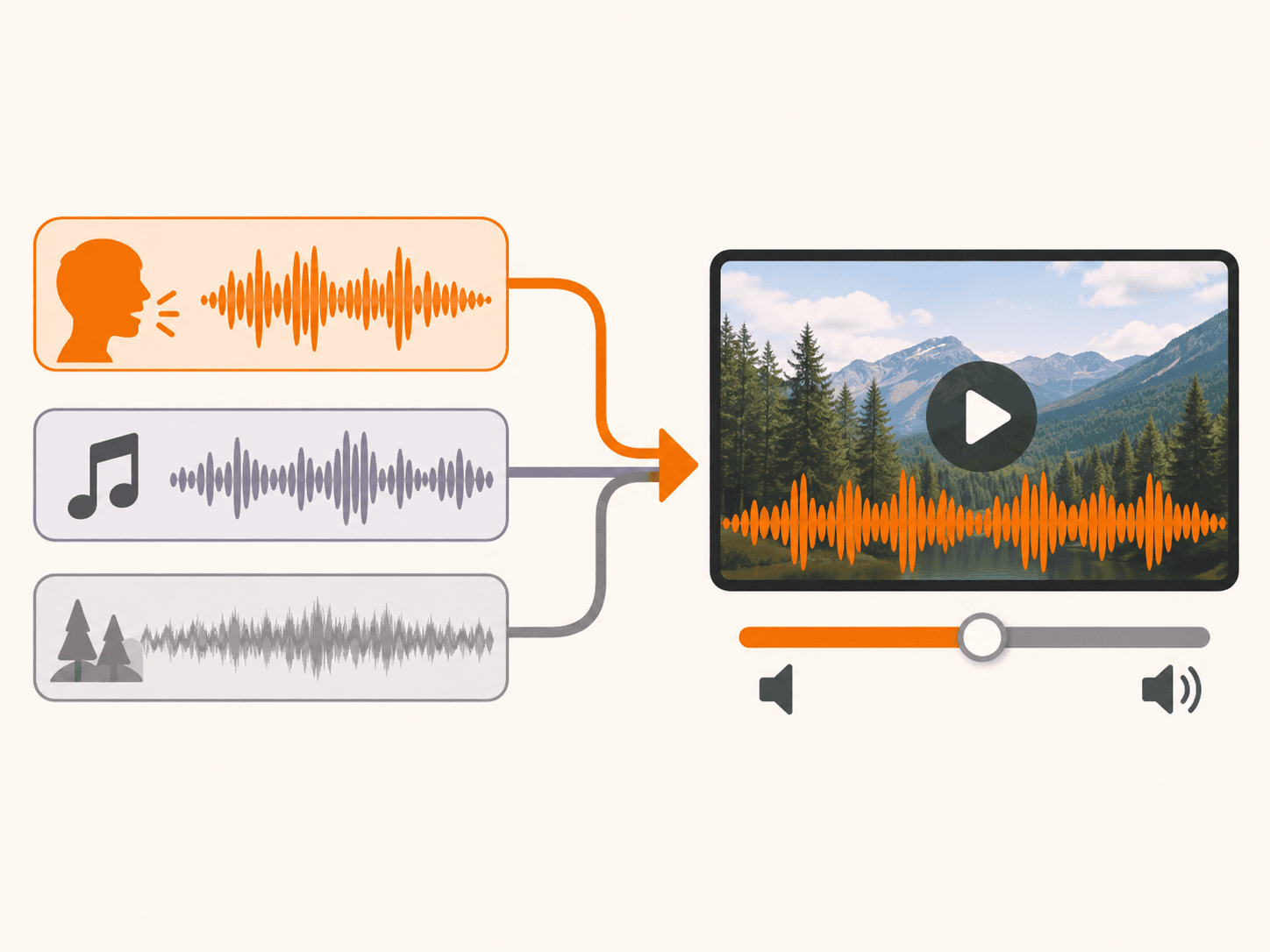
That is also different from a transcript-only workflow. Dubbing is an audio deliverable—cloned speech, timing that follows your cut, and a remixed bed that still includes background music and ambience from the master.

In plain terms, three constraints stay constant across every job on Video Translate: subtitles sit above untouched audio, while dubbing replaces the vocal track; timbre is inferred from your recording instead of casting a new narrator for each locale; after vocals are isolated, translated, and re-synthesized, scoring and environment sounds are folded back in and you export MP4.

Diagram contrasting subtitles with dubbed vocal replacement

How it works in three steps

The flow is deliberately short because dubbing is one job end to end—no separate subtitle export and no manual alignment pass in an editor.

Each step below matches the in-browser workflow today: direct upload to cloud storage, manual language selection, and a single dubbed MP4 deliverable per job.

  • Upload your video—MP4, MOV, or WebM from disk, up to 500 MB. One file per job; link imports are not supported.
  • Choose source language and target language from the same list of 23 options. We do not auto-detect speech language—you specify both sides.
  • Receive the dubbed MP4 when processing finishes. Track progress on the page or later in My Assets; preview online or download the file.
Upload, language pick, and dubbed MP4 download flow

What you get back

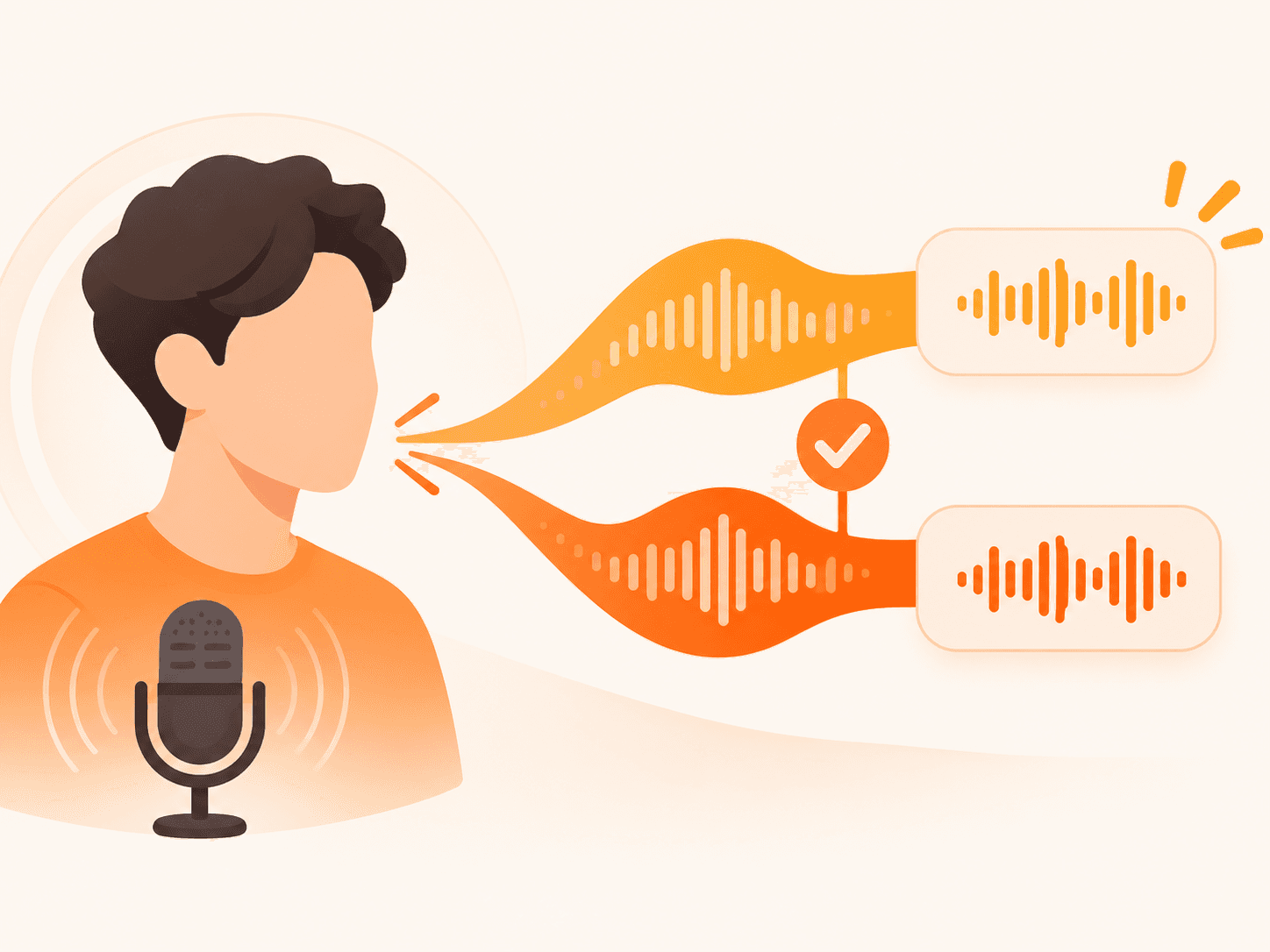
The output is a finished MP4 with target-language speech that aims to match your timbre from the source take, not a generic announcer voice.

Background music, room tone, and other non-speech elements are recombined after the new dialogue is placed on the timeline, so the emotional tone of the original mix survives where separation quality allows.

Background music and ambience remixed with new dialogue

New lines are placed in roughly the same timing slots as the original speech so visuals and dubbed audio move together without hand-editing a timeline.

You can preview in the browser when processing completes and download from My Assets later.

Formats accepted at upload are MP4, MOV, and WebM with a 500 MB cap per file. Credits consume at one credit per second of output video, rounded up—duration math follows the video length you submit, not an estimate in minutes.

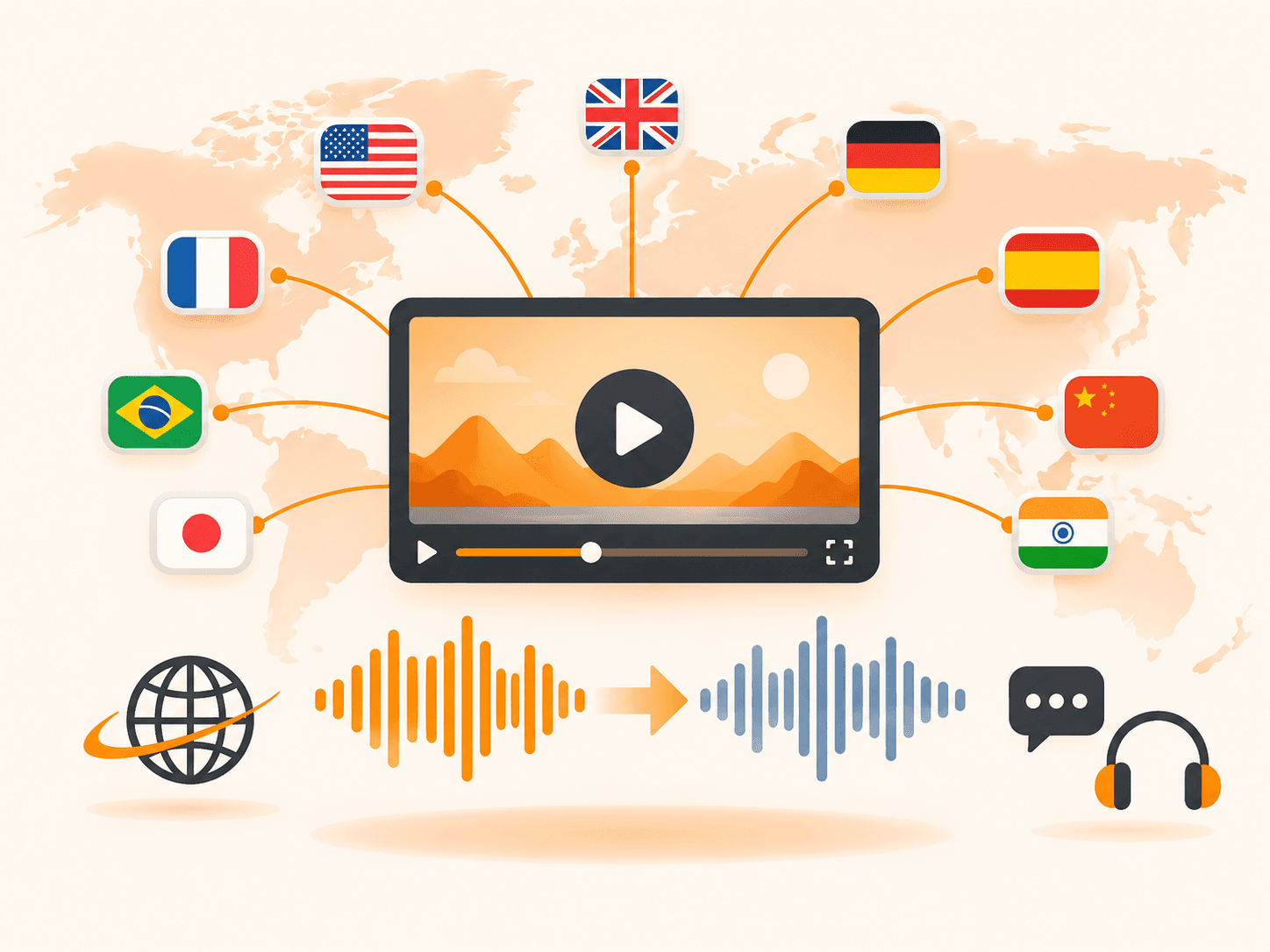
Language coverage is 23 languages for both source and target (506 direction pairs), using the identical menu you see when uploading.

Good fits and honest limits

AI dubbing shines when one clear voice carries the message. Explainers, narrated slides, internal courses with a steady presenter, marketing spots, and product demos localize quickly because speech is separated cleanly.

Results thin out when multiple people talk over each other, music or singing carries the story, viewers expect precise lip-sync to the new language, or you need dozens of files processed in one queue—today each job covers a single video.

Noisy rooms, heavy accents stacked in the same phrase, and concert-style recordings are harder for any speech-heavy pipeline. You choose languages manually; there is no automatic language guess.

Strong fits for AI video dubbing

  • Explainers and tutorials with clear, steady speech.
  • Voice-over on slides, screencasts, or b-roll.
  • Internal courses and onboarding with a consistent presenter.
  • Marketing spots and product demos you want to localize quickly.

Weaker fits

  • Panel talks or rapid back-and-forth between multiple speakers.
  • Music videos or content where singing carries the message.
  • Shots where viewers expect lip-sync accuracy to the new language.
  • Backlogs of dozens of files at once—each job is one video today.

Pricing

Video Translate bills dubbed output in credits. One credit equals one second of output video, rounded up—you pay for dubbed seconds you actually receive.

Monthly plans on the pricing page: Starter at $9.90/month includes 900 credits (~15 minutes of dubbed video). Pro at $29/month includes 3,600 credits (~60 minutes). Studio at $120/month includes 18,000 credits (~300 minutes, Commercial use allowed).

Pay yearly on any monthly plan and save 25% versus twelve separate monthly payments. One-time credit packs never expire if you dub sporadically.

Example: a 5-minute video costs 300 credits, so a Starter month covers about three of them before you need more credits or a larger plan.

Sign in with Google to receive 30 starter credits (~30 seconds of dubbed video) as a one-time grant valid for one year. No credit card is required to start.

See plans and credit packs

AI video dubbing FAQ

Is AI video dubbing the same as subtitling?
No. Subtitles stay on top of the original audio—the listener still hears the source language. AI video dubbing replaces the spoken track with the target language, keeps a cloned version of your voice, and mixes background music back in so the result is a finished MP4 someone can listen to without reading.
Does it keep my own voice?
Yes—cloning follows your recording so the dub matches your timbre, not a stock narrator.
Does it keep the background music?
Yes—after dubbing, instrumentals and ambience return so the mood stays.
What file formats and size limits?
MP4, MOV, or WebM up to 500 MB per upload with direct cloud storage. Longer files may take longer.
How long does a 5-minute video take?
Billing is by the second of output video—1 credit equals 1 second, rounded up—so a five-minute file uses 300 credits regardless of queue time. Processing time varies with length and load; you can leave the page and check status in My Assets.
How many languages does AI video dubbing support?
We support 23 languages for both source and target: Chinese, English, Japanese, Korean, German, Spanish, French, Italian, Russian, Portuguese, Arabic, Danish, Greek, Finnish, Hebrew, Hindi, Malay, Dutch, Norwegian, Polish, Swahili, Swedish, Turkish. That is 506 direction pairs. Same list as the upload menu. You pick source and target yourself—there is no automatic language detection.
Can I dub more than one file at once?
Not yet—batch jobs are on our roadmap. Today one video per job.
How is AI video dubbing priced?
Billing is 1 credit per second of output video (rounded up). Starter is $9.90/month for 900 credits (~15 minutes), Pro is $29/month for 3,600 credits (~60 minutes), and Studio is $120/month for 18,000 credits (~300 minutes, Commercial use allowed). Pay yearly to save 25% versus twelve monthly payments, or buy a one-time credit pack that never expires. Full plan tables are on the pricing page.
Can I try AI video dubbing without a credit card?
Sign in with Google to get 30 starter credits (~30 seconds of dubbed video) as a one-time grant valid for one year. No credit card is required to start.
What kind of footage works well for AI dubbing?
Clear speech in explainers, VO, courses, demos under 500 MB (MP4, MOV, WebM). Overlap, singing, or noise are harder. You pick source language—no auto-detect.